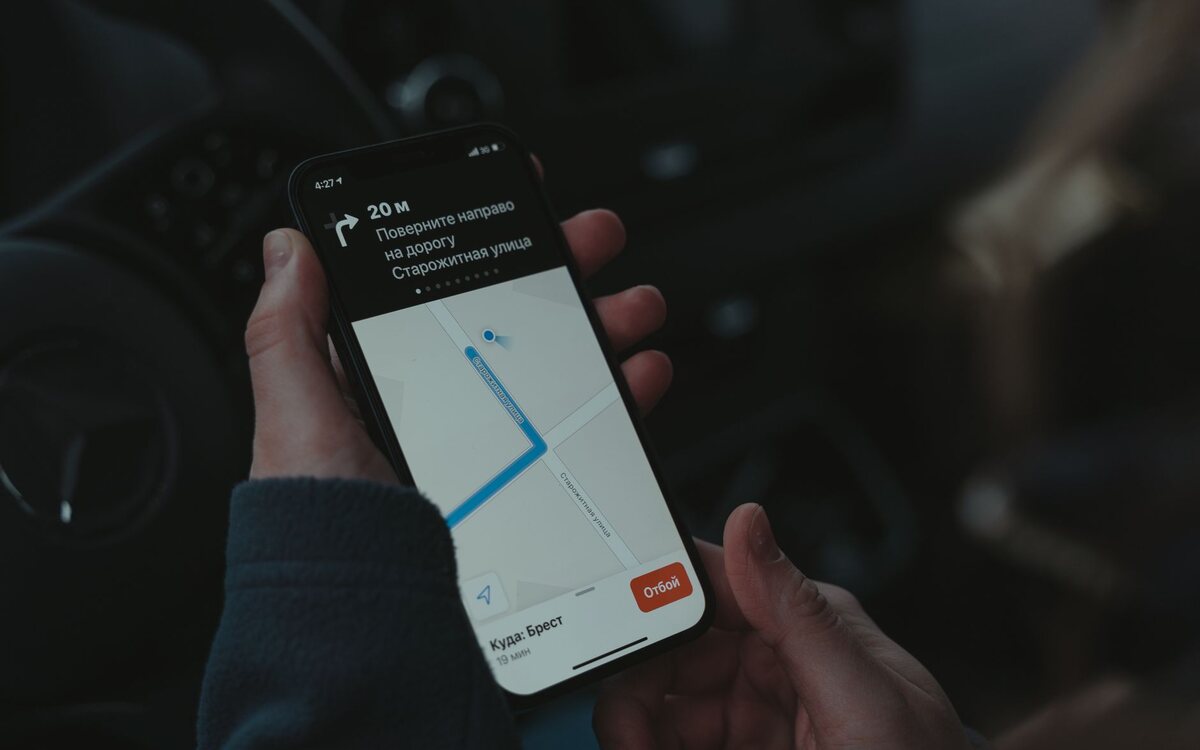
When someone searches "pharmacy near me", what appears on the map is not chosen by luck. There are three criteria, and two of them are in your control.
The map comes from the profile
There is no separate listing for Maps: what feeds the map is the Google Business Profile. Without a verified profile, you are not on the map.
The three criteria
Proximity
Where the searcher is. It is the only one you do not control — and it is why there is no such thing as "first place on the map": the result changes as the person moves.
Relevance
Whether your category and description match what the person searched for. Choosing the right category is the most important decision in the whole profile. Too generic a category makes you appear for the wrong searches and disappear from the right ones.
Reputation
Number, rating and recency of reviews. A review from two years ago weighs less than one from last week.
What helps in practice
- an exact primary category, and secondary ones only where they make sense;
- steady reviews, not in bursts — twenty reviews in one day draw attention for the wrong reason;
- photos with some regularity;
- the same name, address and phone everywhere your business appears. Conflicting information confuses and costs you.
Beyond the map
The map serves people searching nearby. Someone searching for your product without naming a place lands in the normal results, and there what counts is the site. Putting it into a network of search sites like Magneth is the direct way into that contest too.